Every podcast and video, transcribed on your Mac.
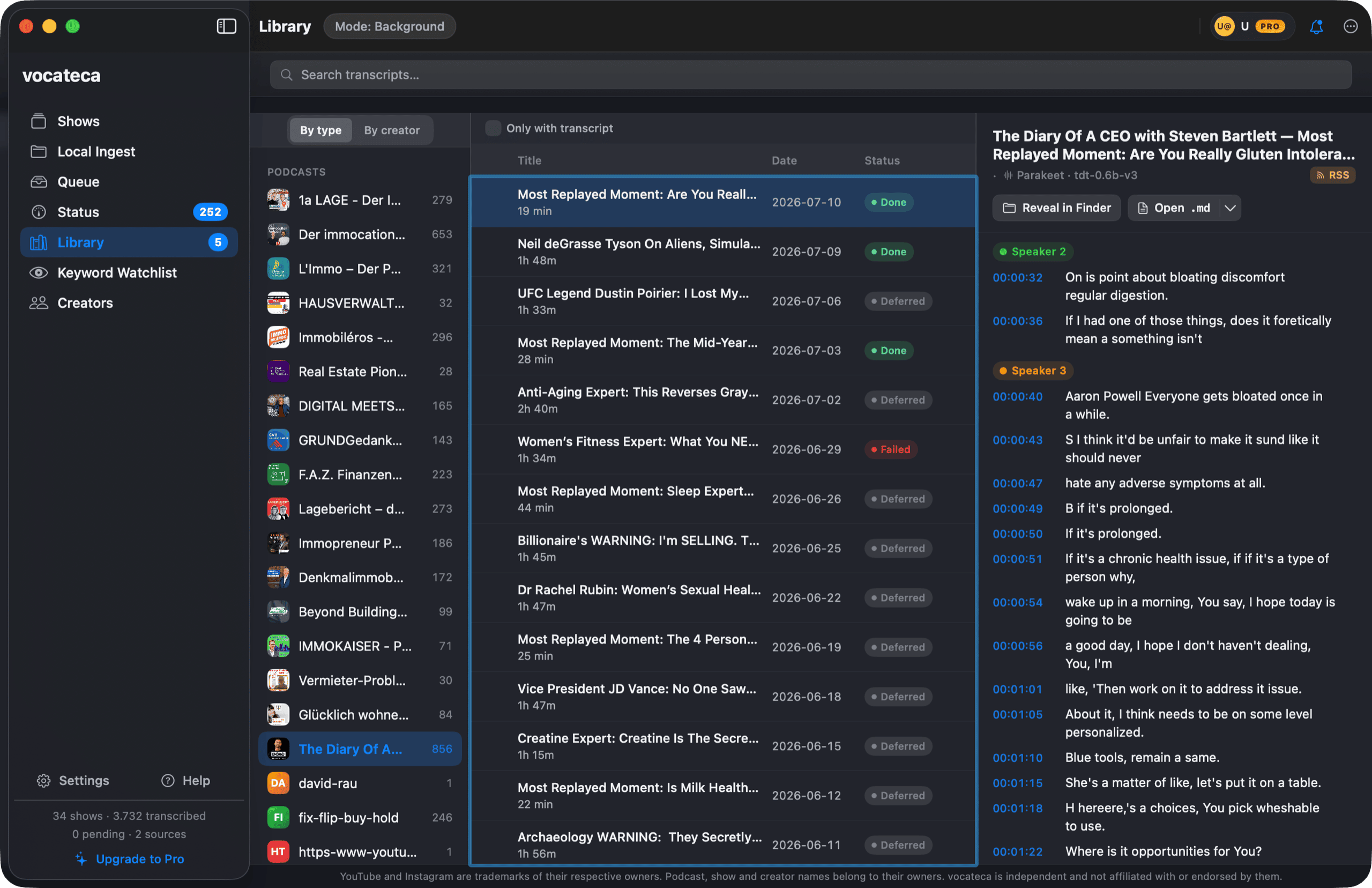
Vocateca is a macOS app that turns podcasts, YouTube channels, and local files into clean transcripts — entirely on-device, so the audio never leaves your Mac.
Free forever · no account · nothing leaves your Mac
macOS 15+ · Apple silicon · 2.0.0
Turn any YouTube video into a clean transcript
Paste a link and Vocateca pulls the transcript instantly from YouTube's captions, or transcribes on-device when there are none — with speakers, timestamps, and export to txt, srt, vtt, csv, md. A browser button and a built-in player make it a watch-and-read surface, not a copy-paste chore.
Captions-first, instant
Uses YouTube's own captions when available — no waiting for a transcription run. No captions? A fast on-device pass with speaker labels.
Clean rolling captions
YouTube's auto-captions arrive as a noisy rolling window that repeats each line. Vocateca automatically collapses the duplicates into clean, correctly-timed segments.
Watch and read
A built-in player with a synced timestamped transcript, plus a one-click browser button to send any video straight to the app.
Subscribe once. It keeps up.
Follow podcasts, YouTube channels, or a watch folder. Pro schedules the downloads and transcribes new episodes in the background.
Compare Free and Pro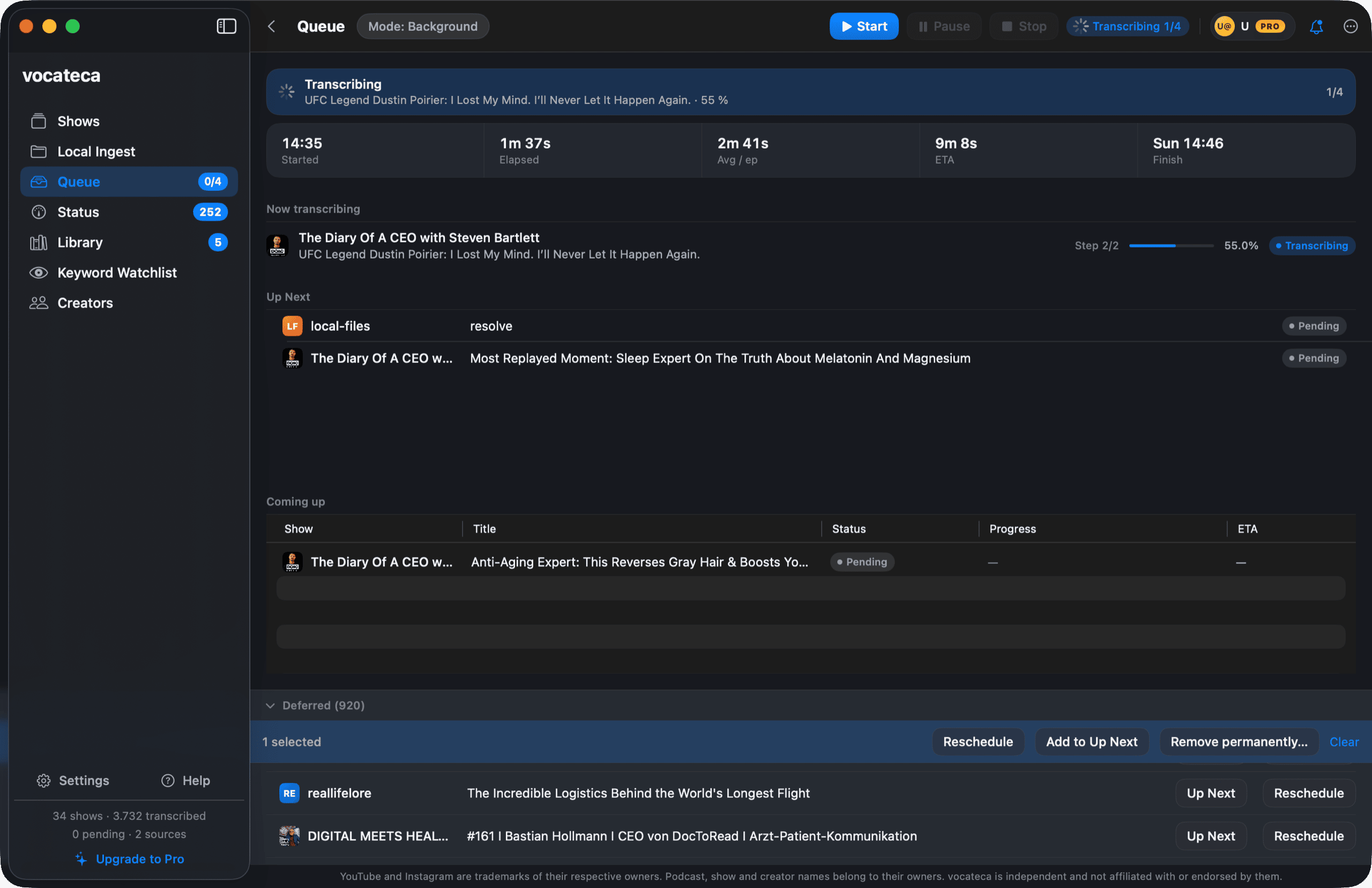
Transcripts that know who's talking.
Speaker detection labels each voice, and a proper-noun glossary corrects the names the model would otherwise get wrong.
How transcripts work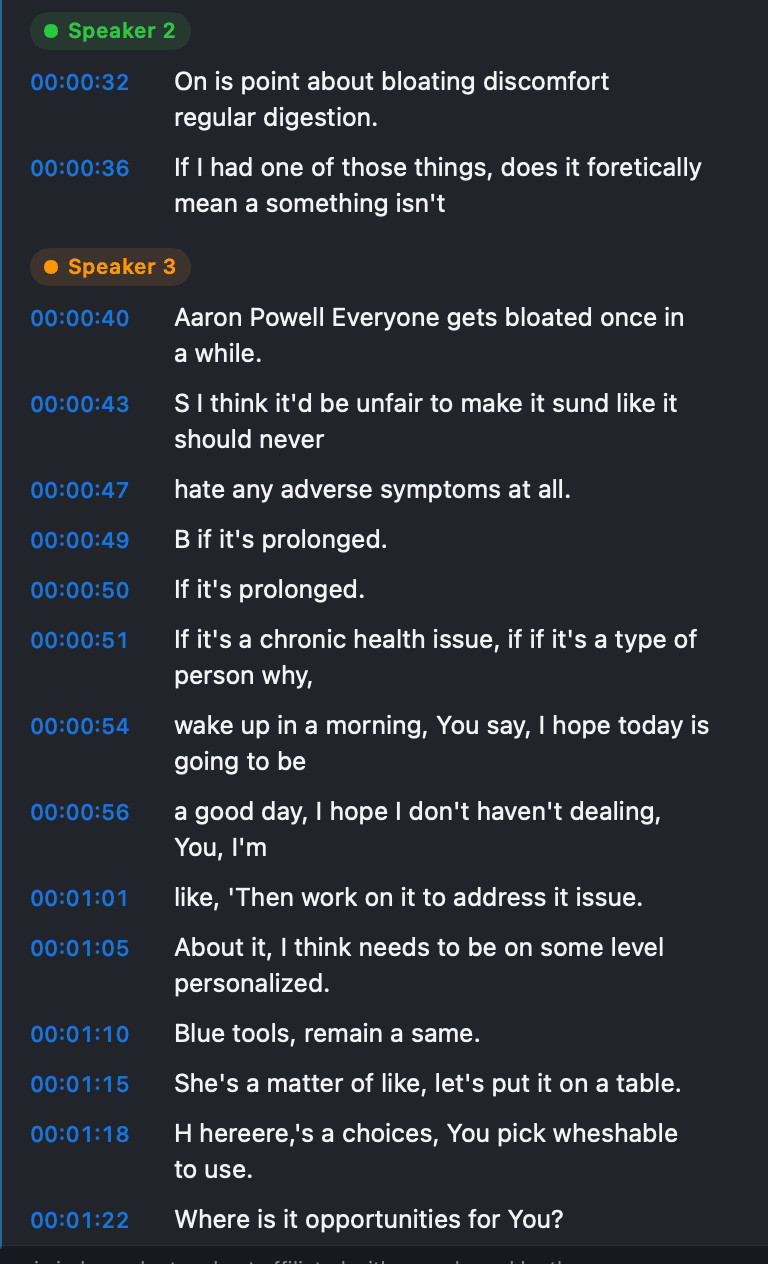
Export to whatever you use next.
Markdown, TXT, SRT, HTML, or OKF — clean files, ready for your notes, your editor, or your pipeline.
See all formats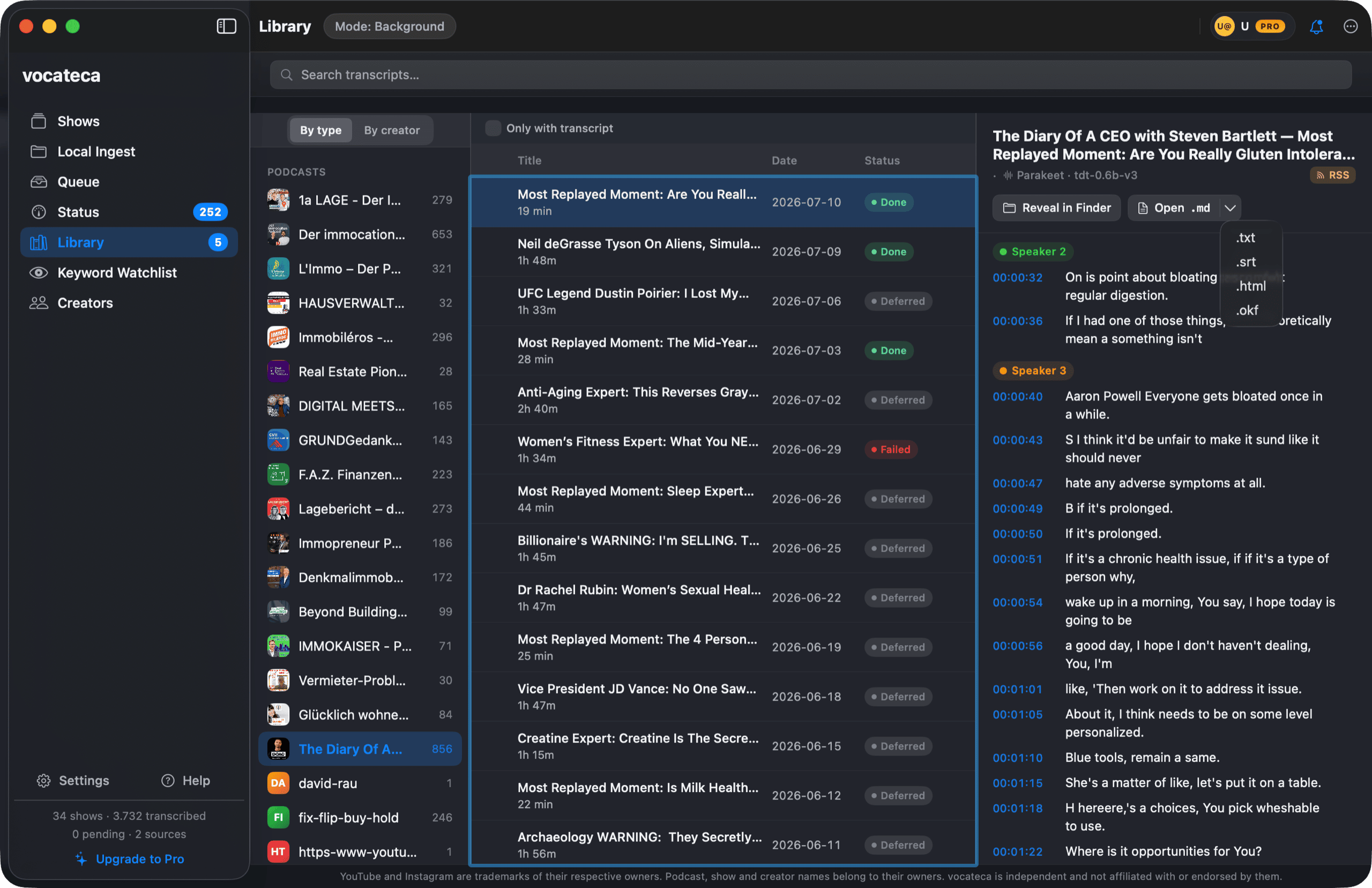
On-device by default.
Parakeet-TDT and Whisper run locally through Apple's MLX. No cloud, no telemetry, and no account to create.
Read the privacy model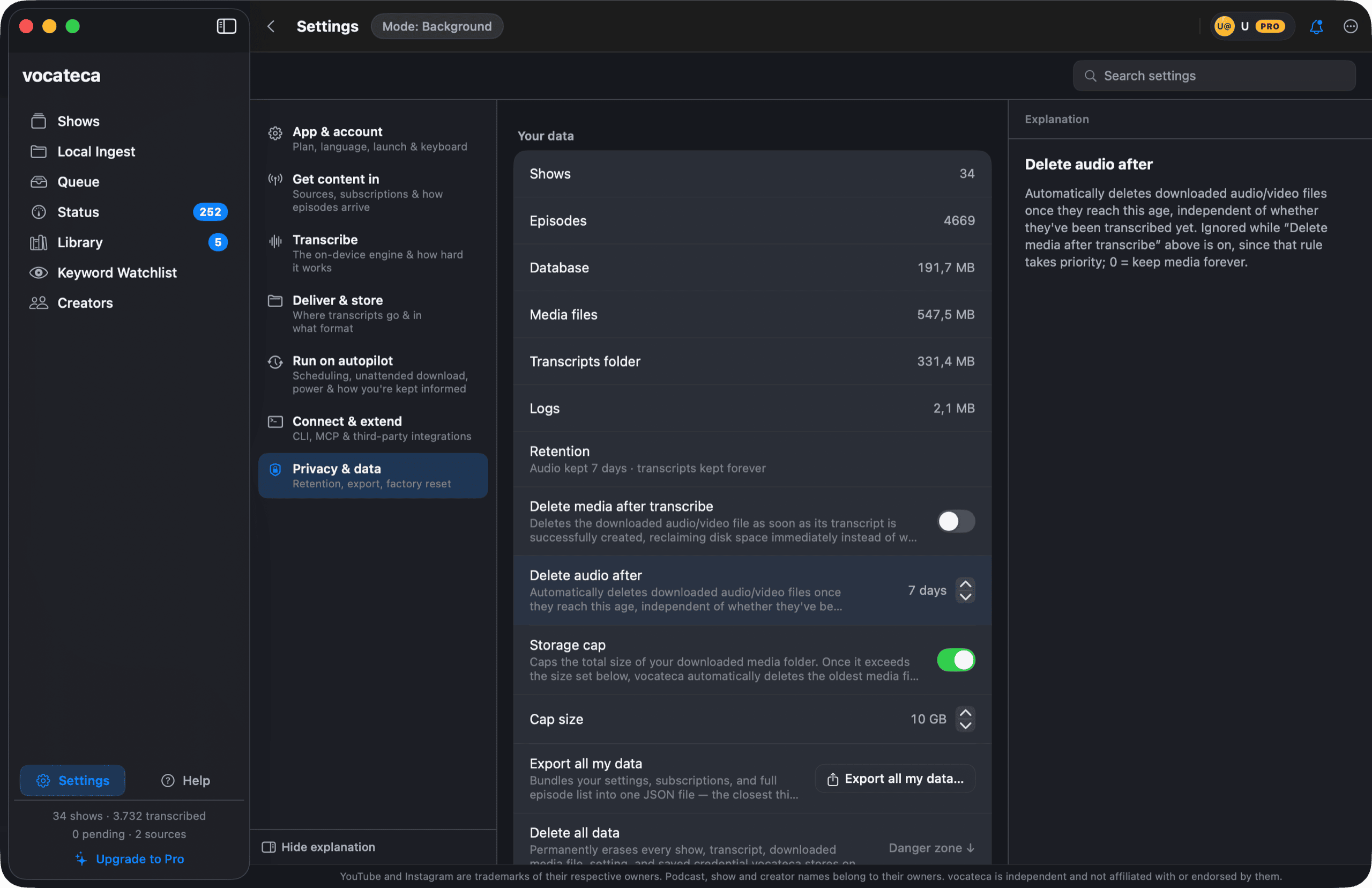
Clean text in, any LLM out.
Drive Vocateca from the command line or an MCP server, and hand structured transcripts to whichever model you trust.
Free forever. Pro when you want it automated.
Manual transcription, for as long as you use it. No account.
- Unlimited on-device transcription
- Podcasts, YouTube & local files
- Speaker detection & glossary
- Every export format
- CLI & MCP access
Automate the whole pipeline.
- Everything in Free
- Scheduled auto-download
- Background transcription daemon
- Folder watch
- Daily summary